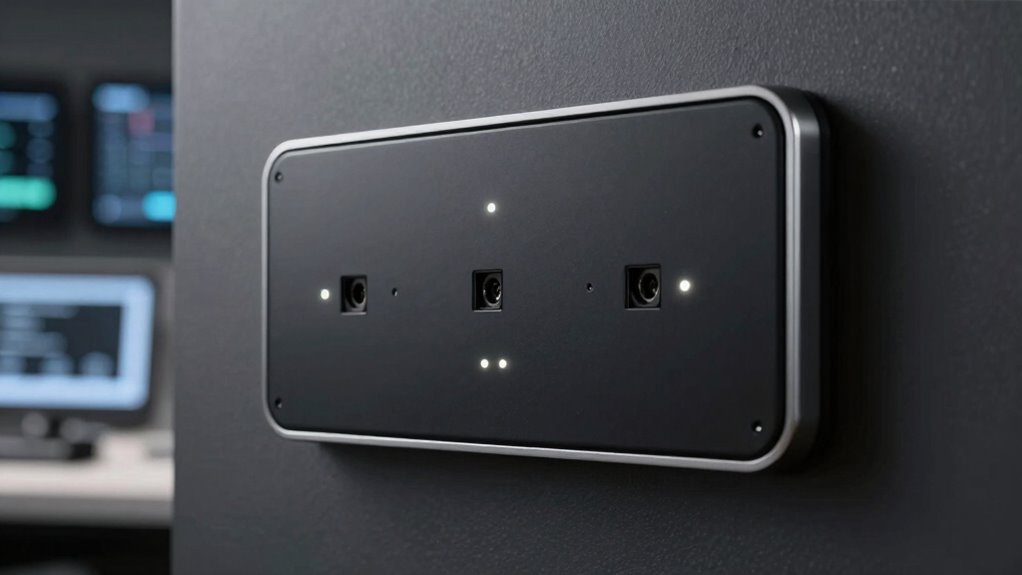

To pair sensors without constant dropouts, guarantee they’re placed close to the receiver in open, unobstructed areas, away from metals and electronics that cause interference. Avoid congested Wi-Fi channels by switching to less crowded bands like 5 GHz or using wired connections when possible. Keep firmware updated and power cycle devices before pairing for a fresh start. Managing your environment and optimizing placement can greatly improve stability, and there’s more you can do to ensure reliable connections.
Key Takeaways
- Place sensors close to the receiver during pairing to ensure a strong initial connection.
- Minimize interference by avoiding metal objects, thick walls, and other electronic devices nearby.
- Update firmware and software regularly to fix connectivity issues and improve stability.
- Use dedicated wireless channels or wired connections to reduce signal congestion.
- Power cycle sensors and the hub before pairing to reset connections and improve pairing success.
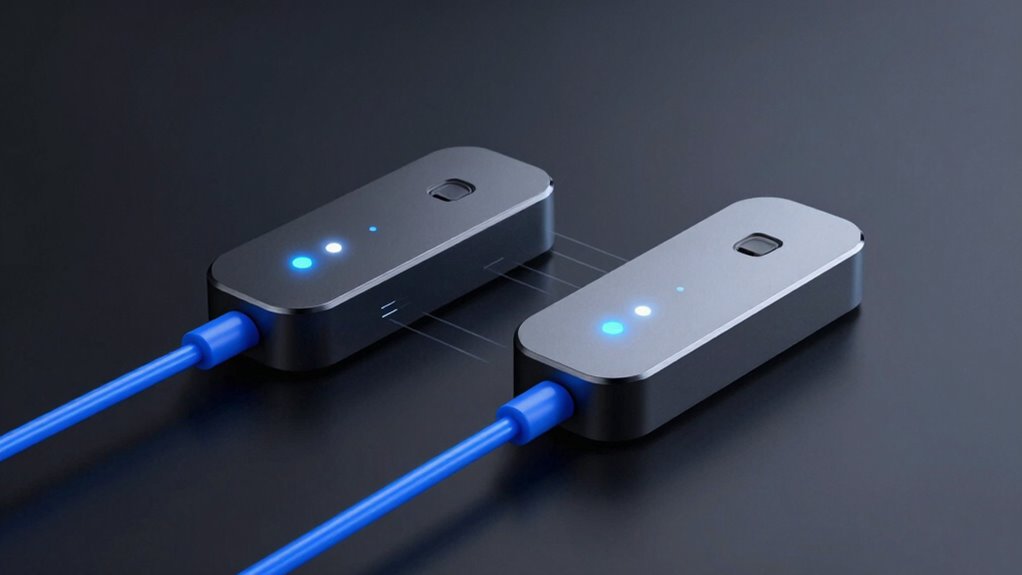
Pairing sensors can be straightforward, but dropouts often disrupt the process and frustrate users. When you’re trying to connect new sensors, wireless interference can be a major culprit behind inconsistent signals. Devices operating on similar frequencies, such as Wi-Fi routers, cordless phones, or other Bluetooth gadgets, can interfere with your sensor’s connection. To improve signal stability, start by placing your sensors closer to the receiver or hub during pairing. This minimizes the distance the signal needs to travel and helps establish a stronger initial connection. Avoid setting up sensors near metal objects, thick walls, or electronic devices that emit electromagnetic interference, as these can weaken the wireless signal and lead to dropouts.
Placing sensors closer to the hub reduces interference and strengthens initial connections during pairing.
Guaranteeing a clear line of sight between your sensors and the receiver greatly boosts signal stability. If possible, position sensors in open spaces without obstructions. Sometimes, simply rearranging the placement of other wireless devices can make a noticeable difference. Switching your Wi-Fi router to a less congested channel or frequency band (like 5 GHz instead of 2.4 GHz) can also reduce interference, giving your sensors a cleaner environment to communicate. Many modern sensors support dual-band operation, so take advantage of this feature if available.
Another key step is to keep your firmware and software updated. Manufacturers often release updates that improve wireless performance and fix bugs that could cause dropouts. Check regularly to ensure your sensors and hub are running the latest versions. During pairing, make sure no other devices are actively transmitting data or connecting to the same network, as this can create bandwidth competition and compromise signal stability. Power cycling your sensors and receiver before pairing can also reset any lingering connectivity issues and establish a fresh connection with a stronger signal. Additionally, understanding the interference sources in your environment can help you better mitigate potential disruptions. Regularly assessing wireless environment conditions ensures optimal sensor performance. Incorporating dedicated channels or wired connections can further enhance stability in environments prone to interference. Recognizing the importance of environmental factors can help you better optimize your setup and reduce dropouts.
If your sensors are still experiencing dropouts, consider using a dedicated wireless channel or a wired connection if possible. Some sensors support Ethernet or other wired options, which eliminate wireless interference altogether. A signal booster or higher-quality, shielded antenna can also help improve overall stability. Remember, consistent pairing requires patience and attention to your environment. By minimizing interference sources and optimizing placement, you set yourself up for more reliable, drop-out-free sensor connections.
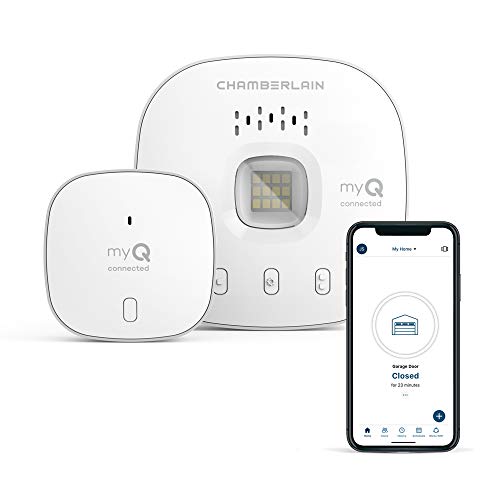
CHAMBERLAIN Smart Garage Control – Wireless Garage Hub and Sensor with Wifi & Bluetooth – Smartphone Controlled, myQ-G0401-ES, White
“Did I shut the garage” No more worrying.
As an affiliate, we earn on qualifying purchases.
As an affiliate, we earn on qualifying purchases.
Frequently Asked Questions
What Types of Sensors Are Most Prone to Dropouts?
You’ll find that wireless sensors, especially older or poorly calibrated ones, are most prone to dropouts. These sensors often struggle with stable signals due to interference or calibration issues. To minimize dropouts, guarantee proper sensor calibration and follow reliable pairing protocols. Regularly update firmware and keep sensors within recommended distances. By maintaining calibration and adhering to pairing protocols, you improve connection stability and reduce the chances of dropouts during operation.
How Does Environmental Interference Affect Sensor Pairing?
Think of your sensors like a vintage radio tuning into a signal; electromagnetic interference can cause static or dropout. Environmental interference, like nearby electronics or metal objects, disrupts the wireless connection, leading to signal attenuation. This makes pairing tricky and can cause constant dropouts. To improve, keep sensors away from sources of interference, and guarantee a clear line of sight, so your signals stay strong and stable during pairing.
Can Firmware Updates Improve Sensor Connection Stability?
Firmware updates can substantially improve your sensor connection stability. By implementing firmware optimization, manufacturers fix bugs and enhance overall performance. Additionally, signal calibration features in the latest firmware help guarantee your sensors communicate effectively, reducing dropouts. Regularly updating your device’s firmware keeps it compatible with newer protocols and optimizes signal strength, resulting in a more reliable connection. Keep your sensors’ firmware current to experience smoother, more stable pairing and operation.
What Is the Ideal Distance for Sensor Pairing?
The ideal distance for sensor pairing is typically within 3 to 10 feet, depending on the device and environment. Keep sensors close during pairing to guarantee a strong connection, which improves calibration accuracy and minimizes dropouts. Follow proper pairing protocols, like turning devices off and on, and avoid obstacles that can interfere with signals. Once paired, you can usually increase the distance, but initial proximity is key for a stable connection.
Are There Specific Brands Known for Reliable Sensor Pairing?
Ever wonder which brands truly prioritize reliable sensor pairing? Brands like Garmin, Wahoo, and Polar are known for their strong device compatibility and consistent sensor calibration, reducing dropouts. These companies invest in advanced connection protocols, ensuring seamless pairing even in challenging environments. Choosing reputable brands can save you frustration and time, making your workouts smoother and more enjoyable. Are you ready to upgrade to a brand that guarantees dependable sensor connections?

TP-Link AX1800 WiFi 6 Router (Archer AX21 V5) – Dual Band Wireless Internet, Gigabit, Easy Mesh, Works with Alexa – A Certified for Humans Device, Free Expert Support
DUAL-BAND WIFI 6 ROUTER: Wi-Fi 6(802.11ax) technology achieves faster speeds, greater capacity and reduced network congestion compared to…
As an affiliate, we earn on qualifying purchases.
As an affiliate, we earn on qualifying purchases.
Conclusion
Now that you know how to pair sensors without constant dropouts, you’re ready to keep your connections steady as a rock. Think of your sensors as a dance troupe—when they’re in sync, everything flows smoothly. Just follow these tips, stay patient, and troubleshoot as needed. With a little finesse, your sensor setup will perform seamlessly, transforming frustrating glitches into a well-choreographed routine. Keep at it, and enjoy a stable, reliable connection every time.

Wireless Transceiver Circuits: System Perspectives and Design Aspects (Devices, Circuits, and Systems)
As an affiliate, we earn on qualifying purchases.
As an affiliate, we earn on qualifying purchases.
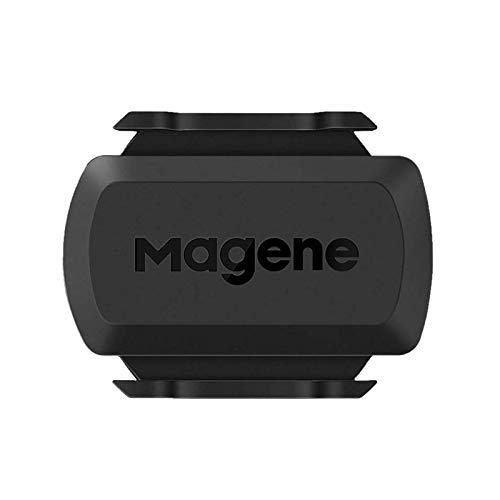
Magene Outdoor/Indoor Speed/Cadence Sensor for Cycling, Wireless Bluetooth/Ant+ Bike Computer RPM Sensor for Road Bike or Spinning Bike and Trainers Compatible with Onelap, Wahoo Fitness, Zwift
[Battery] Remove the insulating sheet of the pre-installed battery before usage; re-install the battery to switch between the…
As an affiliate, we earn on qualifying purchases.
As an affiliate, we earn on qualifying purchases.