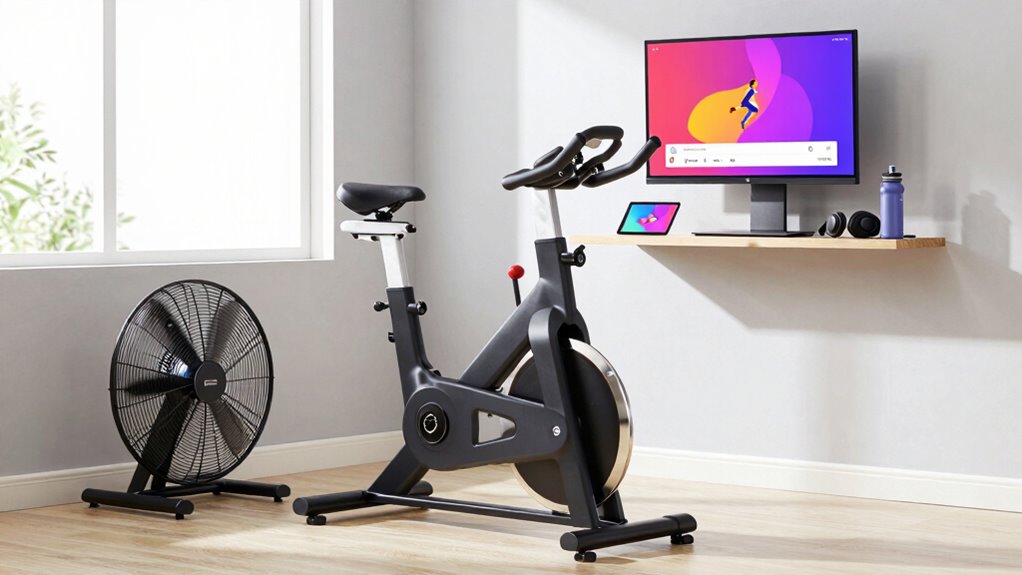

To build a Zwift setup that doesn’t overheat or drop signal, position your router centrally and upgrade to dual-band Wi-Fi for better coverage. Use Ethernet cables where possible and add extenders or mesh systems for reliable connections. Keep your equipment cool by elevating trainers, using fans, and maintaining good airflow in the room. Regularly check and adjust your environment and devices to maintain stability; more tips await to help keep your setup running smoothly.

Get sports gear delivered free — and shop member deals
- Fast, free delivery on millions of items
- Access to Prime Big Deal Days deals on October 6–7
- Prime Video, Amazon Music and more included
Key Takeaways
- Position your router centrally near the riding area and use Wi-Fi extenders or mesh systems for stable, strong signals.
- Elevate equipment and ensure proper ventilation with fans or cooling pads to prevent overheating during long Zwift sessions.
- Use Ethernet cables for direct connections to reduce Wi-Fi dependency and minimize disconnections.
- Keep the room cool and well-ventilated, away from heat sources and direct sunlight, to maintain optimal equipment temperatures.
- Regularly test and adjust your setup, including router placement and cooling solutions, to ensure consistent connectivity and temperature control.
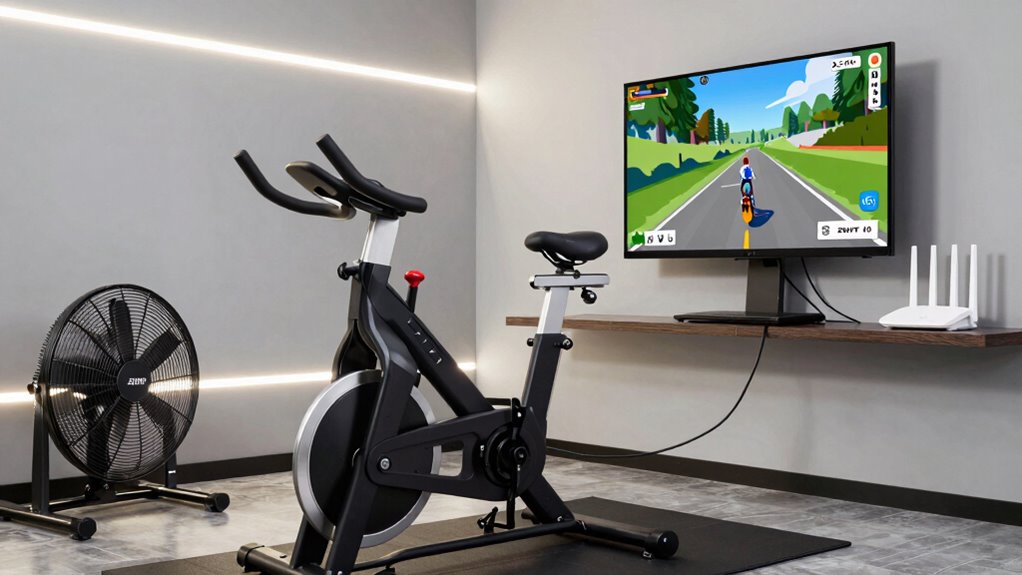
If you want to enjoy seamless Zwift rides without worrying about overheating or signal drops, setting up your equipment properly is vital. The foundation of a reliable setup starts with ensuring strong wireless connectivity. Wi-Fi stability is essential because interruptions can cause lag or disconnections during your workout. To achieve this, position your router centrally within your home, ideally near your riding area, reducing obstacles like walls or furniture that can weaken the signal. Consider upgrading to a dual-band router that supports 5 GHz networks, which tend to be less congested and provide faster, more stable connections. Using an Ethernet cable to connect your computer or smart trainer directly to the router offers the most dependable connection, eliminating interference altogether. If wired connectivity isn’t feasible, invest in a Wi-Fi extender or mesh network system to boost signal strength and coverage in your riding space.
Beyond connectivity, managing heat is equally vital to maintain equipment performance and comfort. Overheating can cause your smart trainer or computer to throttle performance or shut down unexpectedly, disrupting your rides. Implementing cooling solutions helps prevent this. Start by positioning your equipment in a well-ventilated area with good airflow. Elevate your smart trainer off the ground to promote air circulation underneath, which can help dissipate heat. Use a small fan directed at your trainer and computer during long sessions to keep the equipment cool. Additionally, ensure your room isn’t exposed to direct sunlight or excessive heat sources, which can raise ambient temperature. If overheating persists, consider installing a cooling pad or a small portable air conditioner nearby to regulate the room temperature more effectively. Regularly cleaning vents and fans of dust also guarantees maximum airflow and prevents overheating caused by dirt buildup. Monitoring your equipment’s temperature with smart sensors can help you detect and address overheating issues early, further safeguarding your setup.
Combining robust wireless connectivity with effective cooling solutions creates a stable and comfortable environment that minimizes technical issues during your Zwift sessions. Reliable wireless signals mean fewer disconnections, smoother data transmission, and an overall more immersive experience. Meanwhile, proper cooling maintains your equipment’s performance and longevity, allowing you to ride longer without interruptions. Remember that both aspects require ongoing attention—test your setup regularly, adjust router placement as needed, and keep cooling devices clean and functioning properly. With these measures in place, you’ll enjoy uninterrupted Zwift adventures, feeling more motivated and confident during every ride. Proper setup isn’t just about initial installation; it’s about maintaining an environment that supports consistent, high-quality performance every time you log on.
dual band Wi-Fi router for gaming
As an affiliate, we earn on qualifying purchases.
As an affiliate, we earn on qualifying purchases.
Frequently Asked Questions
Can I Use a Laptop Instead of a Dedicated PC for Zwift?
Yes, you can use a laptop instead of a dedicated PC for Zwift. Just make certain your laptop has strong performance capabilities to handle the game smoothly, especially with good graphics and processing power. Keep in mind, laptops generally consume less power but can overheat if not properly ventilated during intense rides. Use a cooling pad if needed, and make sure your laptop’s performance and power consumption are optimized for long, seamless Zwift sessions.
What Are the Best Cooling Solutions for Small Indoor Spaces?
Imagine your space heating up faster than you expect—don’t let that happen. To keep cool, optimize airflow with strategic placement of portable fans, creating a steady breeze that prevents overheating. Use airflow optimization techniques like elevating devices and opening windows if possible. These simple yet effective solutions make certain your setup stays cool, even in small indoor spaces, so you can focus on your ride without the worry of overheating or signal drops.
How Do I Troubleshoot Persistent Signal Drops During Rides?
You should start troubleshooting persistent signal drops by checking for wireless interference from other devices, like Wi-Fi routers or Bluetooth gadgets nearby. Make certain your hardware is compatible with your cycling equipment and Zwift. Move your sensors and receiver closer together, and switch to a less congested Wi-Fi channel if possible. Updating firmware and drivers can also improve stability, minimizing signal drops during your rides.
Is Wi-Fi or Ethernet More Reliable for Zwift Streaming?
Imagine a smooth, uninterrupted ride—Wi-Fi stability or Ethernet reliability? Ethernet is more reliable, offering a direct connection that reduces interference and lag, making it ideal for consistent Zwift streaming. Wi-Fi can be convenient, but it’s more prone to signal drops and fluctuations. For the best experience, opt for Ethernet, especially if you want steady performance and minimal interruptions during intense rides.
What Safety Precautions Should I Take With Electronic Setups?
You should prioritize electrical safety by ensuring all equipment is properly grounded to prevent shocks. Use surge protectors to safeguard your devices from voltage spikes, and avoid overloading outlets. Keep cords organized to prevent tripping hazards, and regularly inspect cords and plugs for damage. Also, install smoke detectors nearby and keep a fire extinguisher accessible. These precautions help keep your electronic setup safe and reliable during intense Zwift sessions.
Conclusion
By optimizing your Zwift setup with proper ventilation and a strong Wi-Fi connection, you’ll enjoy smoother rides without overheating or signal drops. Did you know that over 60% of indoor cyclists experience connectivity issues at some point? Staying cool and connected guarantees your training stays on track and fun. So, take these simple steps, and you’ll be cruising seamlessly through your virtual rides—no more interruptions, just pure cycling enjoyment.
NFL season / tailgating Picks
team gear
As an affiliate, we earn on qualifying purchases.