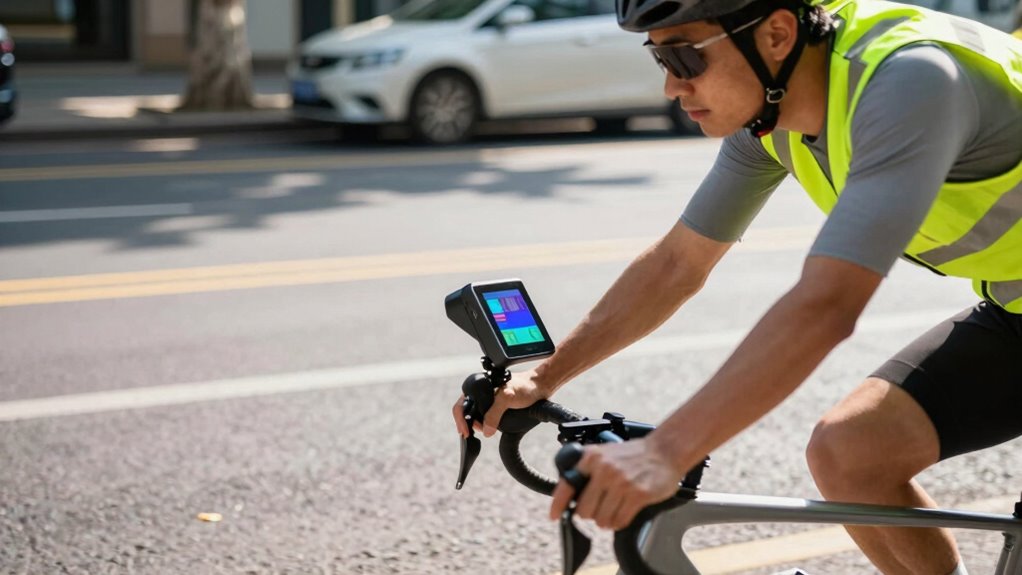

To use your bike radar effectively, make certain you set it up properly and mount it securely at the right angle. Regularly calibrate the sensor by following the manufacturer’s instructions, and keep it clean from dirt and debris. Keep an eye on battery levels and update the firmware when available to guarantee it performs reliably. Maintaining good setup and ongoing care will maximize its helpfulness, and you’ll find plenty more tips to improve your experience if you keep exploring.
Key Takeaways
- Follow the manufacturer’s setup instructions carefully, ensuring proper mounting angle and secure attachment.
- Regularly calibrate the sensor according to guidelines to maintain accuracy and reliability.
- Keep the sensor and surrounding area clean from dirt, mud, and debris for optimal performance.
- Maintain battery health by checking levels frequently and using recommended chargers; replace batteries as needed.
- Keep firmware up to date to benefit from improvements in calibration, power management, and overall device functionality.
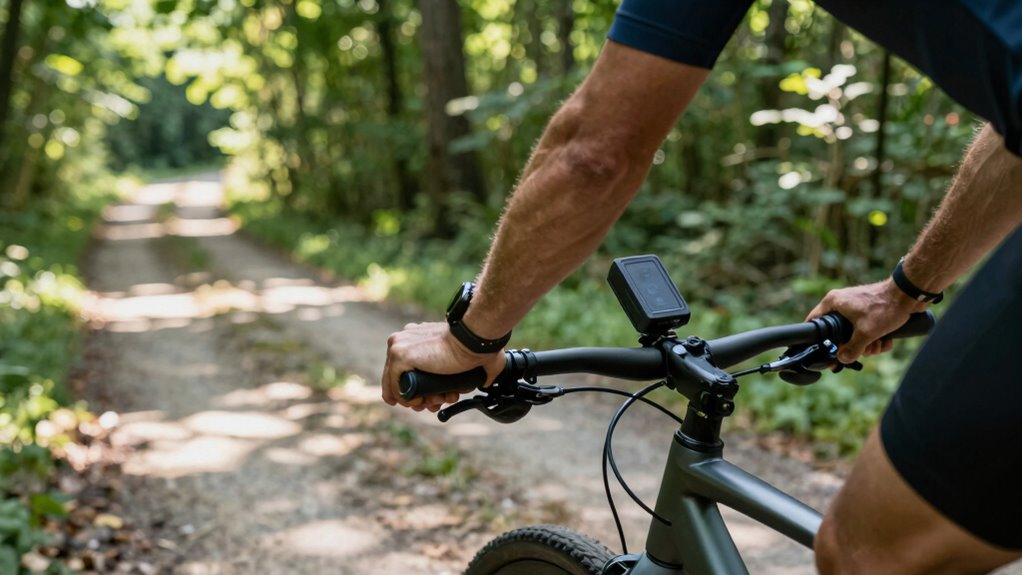
Have you ever wondered how to get the most accurate and reliable information from your bike radar? The key lies in proper setup and regular maintenance. First, you need to understand that sensor calibration is essential for your device to function correctly. If your radar isn’t calibrated properly, it can give you false readings or miss important signals altogether. To calibrate your sensor, start by following the manufacturer’s instructions carefully. Usually, this involves placing the sensor in a specific position and running calibration routines, often through the accompanying app or device interface. Regular calibration ensures your radar stays accurate, especially after rough rides or impacts that might shift the sensor out of alignment. Think of calibration as tuning your device to ensure it’s reading the environment as it should. Proper calibration is especially crucial for Free Floating systems that rely on precise sensor data. Battery maintenance also plays a crucial role in the performance of your bike radar. A depleted or poorly maintained battery can cause inconsistent readings, shut your device off unexpectedly, or reduce detection range. To prevent this, check your battery level regularly and recharge or replace it as needed. Many bike radars are designed with rechargeable batteries, so keep an eye on battery health and avoid letting it fully drain, which can shorten its lifespan. Store spare batteries in a cool, dry place and use the manufacturer-recommended chargers to avoid overcharging or damaging the battery. Good battery maintenance guarantees your radar stays powered when you need it most, especially during long rides or critical situations. Additionally, it’s smart to periodically update your device’s firmware if updates are available. These updates often include improvements to sensor calibration algorithms and battery management, helping your bike radar perform at its best. When setting up your device initially, make sure it’s mounted securely and at the proper angle, as an unstable or misaligned sensor can throw off calibration and lead to inaccurate readings. Also, keep the sensor and surrounding area clean from dirt, mud, or debris, which can interfere with signals. In short, to truly benefit from your bike radar, treat calibration as an ongoing process and prioritize battery health. These simple steps ensure your device provides dependable, precise information that you can trust on every ride. When your sensor is calibrated correctly and your battery is healthy, you’re more likely to get the most out of your bike radar—making your rides safer, smarter, and more enjoyable.

Lezyne Adapter Kits Black, One Size
Easily attach your Strip Drive and Radar Drive taillights with versatile, industrial-strength mounting straps that securely fit a…
As an affiliate, we earn on qualifying purchases.
As an affiliate, we earn on qualifying purchases.
Frequently Asked Questions
How Often Should I Update My Bike Radar App?
You should update your Bike Radar app whenever new map updates or firmware upgrades are available. Regular updates guarantee you get the latest navigation data, improved features, and bug fixes. Check the app monthly or when prompted, especially before long rides or new routes. Keeping your app current helps it function smoothly and provides accurate guidance, making your cycling safer and more enjoyable every time you hit the road.
Can Bike Radar Be Used in All Weather Conditions?
Surprisingly, your Bike Radar isn’t invincible in all weather, but it’s designed with weather durability in mind. Still, heavy rain or mud might challenge its sensors, so guarantee proper device calibration for peak performance. While it handles most conditions, don’t forget to check your device after extreme weather, as prolonged exposure can affect accuracy. Ultimately, a little caution keeps your radar working smoothly no matter the forecast.
Is Bike Radar Compatible With All Bike Types?
Bike Radar is compatible with most bike types, thanks to versatile radar sensors designed for different riding setups. Whether you ride a mountain bike, road bike, or hybrid, you’ll likely find a compatible system. Just make certain you check the specific bike compatibility and sensor mounting options before purchasing. This way, you guarantee peak performance and safety, making your rides more confident and enjoyable with effective radar sensors working seamlessly on your bike.
How Do I Customize Alerts on My Bike Radar?
Did you know that 75% of riders find personalized alerts more effective? To customize alerts on your Bike Radar, you simply access the settings menu, then navigate to alert management. Here, you can adjust the sensitivity, sound, and types of notifications. It’s quick and easy — just tweak the settings to suit your riding style, ensuring you get the most relevant alerts for a safer, more enjoyable ride.
What Should I Do if My Bike Radar Malfunctions?
If your Bike Radar malfunctions, start by checking the sensor calibration to guarantee accurate readings. Next, update the firmware to fix any bugs or glitches. Restart the device after updates, and verify all connections are secure. If issues persist, consult the user manual or contact customer support. Regular calibration and firmware updates are key to keeping your Bike Radar functioning smoothly and reliably.

ANGSO-AUTO ADAS Calibration Tool Kit Compatible with Honda Toyota Kia Ford ADAS Radar Aiming Calibration Tool,Post with 0-30 Centimeter Scale,Corner Reflector Target with Billet Aluminum Stand
Universal Compatibility: Fit for Honda, Toyota, Kia, and Ford vehicles,Whether you're a professional mechanic or a DIY enthusiast,…
As an affiliate, we earn on qualifying purchases.
As an affiliate, we earn on qualifying purchases.
Conclusion
So, next time you glance at your bike radar, remember it’s not a crystal ball—no matter how much you wish it were. Don’t just pretend it’s magic; actually use it to stay safe, not to chase phantom cars or impress your friends with fake confidence. Because if you rely on it the wrong way, you’ll end up more surprised than a cat in a cucumber patch. Ride smart, stay alert, and maybe, just maybe, avoid becoming a cautionary tale.
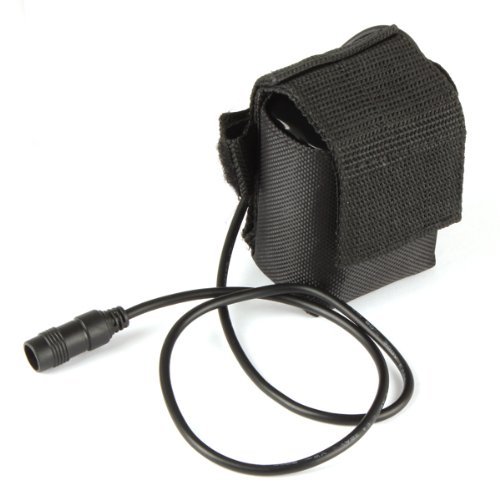
1 X Replacement 8.4V 6600mAh Rechargeable Battery Pack for Headlamp & Bicycle Light
BESTSUN Replacement battery pack for Bike Light Headlamp Bicycle Head Torch.
As an affiliate, we earn on qualifying purchases.
As an affiliate, we earn on qualifying purchases.

Escort MAX 360c Laser Radar Detector – WiFi and Bluetooth Enabled, 360° Protection, Extreme Long Range, Voice Alerts, Apple CarPlay and Android Auto Compatible, Black
Built in Wifi – The first of Radar Detectors for cars designed for the connected car. The MAX…
As an affiliate, we earn on qualifying purchases.
As an affiliate, we earn on qualifying purchases.