
To get the most out of your e-bike, you should understand how displays and controls work. They provide real-time info like battery life, speed, assist level, and trip distance, which helps you ride safely and efficiently. Knowing your display’s features and mounting options will enhance convenience and safety. Durability is also essential for outdoor conditions. If you keep exploring, you’ll uncover ways to customize your setup and boost your riding experience even further.
Key Takeaways
- Understand display features like battery status, speed, distance, and assist level for better ride management.
- Choose appropriate mounting options (center, side, or repositionable) based on riding style and visibility needs.
- Know display technology and UI for intuitive operation and quick access to important metrics.
- Prioritize durable, weather-resistant displays to ensure reliability during outdoor rides.
- Use accessible controls to enhance safety and ease of use without distraction.
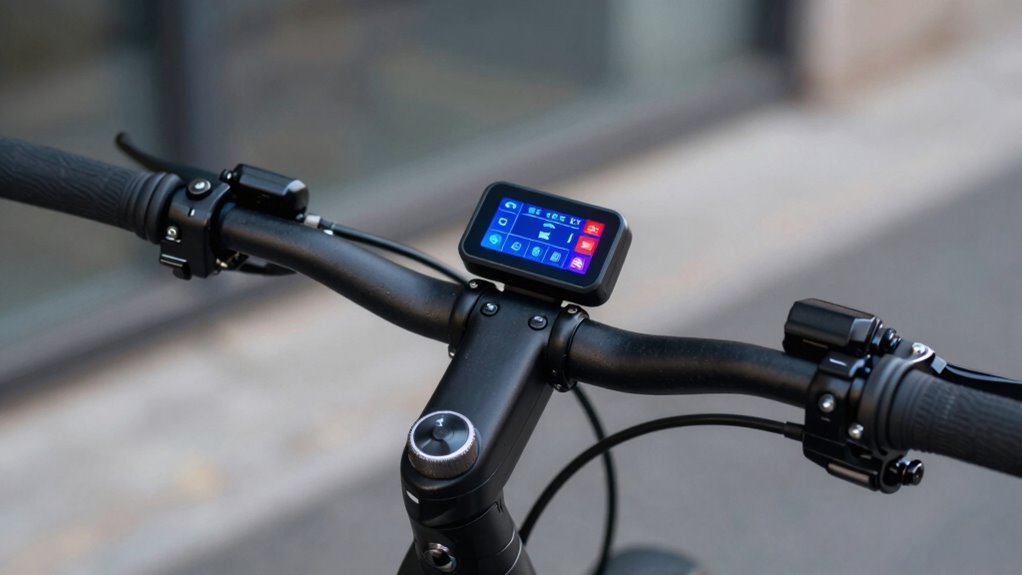
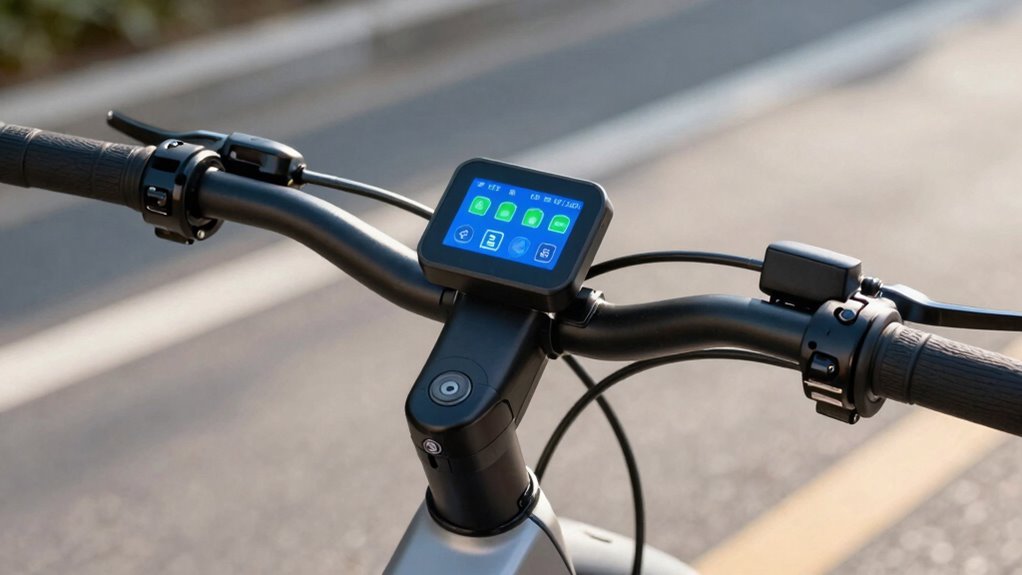
E-bike displays and controls have become essential tools that enhance your riding experience by providing real-time information and easy access to various functions. When you hop on your e-bike, these displays give you instant updates on battery life, allowing you to plan your ride more effectively. Knowing how much charge remains helps you avoid unexpected stops and guarantees you’re not caught with a dead battery in the middle of your journey. Many displays also show your current speed, distance traveled, and assist level, giving you a clearer picture of your ride’s performance at a glance. This transparency makes riding safer and more enjoyable, especially on longer trips where monitoring battery life is critical. Additionally, some displays incorporate biodiversity-friendly features, such as eco-friendly power options or environmental impact indicators, encouraging more sustainable riding choices. Mounting options are another key aspect to contemplate when choosing an e-bike display. These controls can be mounted in various ways—centered on the handlebar, integrated into the stem, or even attached to the side of the handlebar. The best mounting position depends on your riding style and personal preference. A centrally mounted display, for instance, offers easy visibility without distracting you from steering, while side mounts can be more discreet and less obtrusive. Some riders prefer a mount that’s adjustable, so you can tilt or reposition it for ideal viewing. Proper mounting not only enhances accessibility but also keeps the display secure and reduces the risk of accidental falls or damage. Understanding display technology can help you select the most suitable model for your needs. A well-designed display with versatile mounting options and clear, accurate information can markedly improve your riding experience, allowing you to focus more on the journey and less on managing your bike’s technology. Exploring user interface features is also beneficial, as intuitive controls make it easier to operate the display while riding safely. Furthermore, choosing a display with durability features ensures it withstands the elements and rough handling during outdoor adventures.

E-Bike LCD Display Monitor 24V 36V 48V Electric Bike Computer Screen with Waterproof 5 Pin Interface Cable for Handlebar Mount Black ABS Material
- Waterproof Design: Protects circuitry from moisture and rain
- Multi-Voltage Compatibility: Works with 24V, 36V, and 48V systems
- Real-Time Speed Monitoring: Displays current speed for safe riding
As an affiliate, we earn on qualifying purchases.
As an affiliate, we earn on qualifying purchases.
Frequently Asked Questions
How Do I Reset My E-Bike Display to Factory Settings?
To reset your e-bike display to factory settings, start by turning it off. Then, press and hold the power button along with the menu or reset button for about 10 seconds. During this process, the display calibration resets, and the battery status resets to default. Once complete, turn your e-bike on again. Check the display to verify it shows factory settings, including accurate battery status and calibration.
Can I Customize the Display Layout or Data Shown?
Yes, you can customize the display layout and data shown on your e-bike. Most systems offer display customization options, allowing you to tailor data personalization to your riding preferences. You can typically access these settings through the control panel or a dedicated app, where you can adjust metrics like speed, battery level, and ride mode. Exploring these options helps you create a more intuitive and personalized riding experience.
Are E-Bike Controls Compatible With All Types of Gloves?
Think of riding through a storm with gloves on—you want controls that respond as effortlessly as a flick of a wand. E-bike controls vary in glove compatibility and touchscreen sensitivity; some work well with thick gloves, while others require thin, touchscreen-friendly gloves. Always check your e-bike’s specifications to guarantee your gloves won’t hinder control. Choosing the right gloves keeps your ride smooth, responsive, and magical, no matter the weather.
How Do I Troubleshoot Display Connectivity Issues?
If you’re experiencing display connectivity issues, start by checking the display software for updates and guarantee it’s running the latest version. For connectivity troubleshooting, inspect all cables and connections for damage or looseness. Turn off the e-bike, reconnect the display, and restart the system. If problems persist, reset the display to factory settings or consult the user manual. Regular maintenance helps prevent future connectivity problems.
What Safety Features Are Integrated Into E-Bike Controls?
E-bike controls often include safety features like speed regulation and battery conservation warnings. You’ll find speed limiters that prevent you from exceeding safe speeds, and battery indicators that alert you when power is low, helping you conserve energy. These features keep you safe by maintaining ideal speed and preventing sudden power loss, ensuring a smooth ride. Always familiarize yourself with these controls to maximize safety and efficiency during your ride.
Conclusion
By mastering your e-bike’s displays and controls, you’ll ride with confidence and clarity. Familiarize yourself with functions, toggle through modes, and keep an eye on essential info. This knowledge keeps your journey smooth, safe, and satisfying. So, take the time to tune into your tech, trust your tools, and enjoy every exhilarating adventure. Remember, a well-watched display directs a worry-free ride—making every mile more memorable and manageable.